IDrive Backup for Dropbox Cloud Storage
Dropbox is a registered trademark of Dropbox, Inc. IDrive is a third-party service and is not affiliated with, sponsored by, or endorsed by Dropbox. |
|||
If your question is not addressed below, please contact us through our support form and we'll get back to you shortly. |
|||
General |
|||
| What is IDrive Backup for Dropbox Cloud Storage? | |||
| Why do you need to backup your Dropbox data? | |||
| Are my Dropbox Team Folders backed up by IDrive? | |||
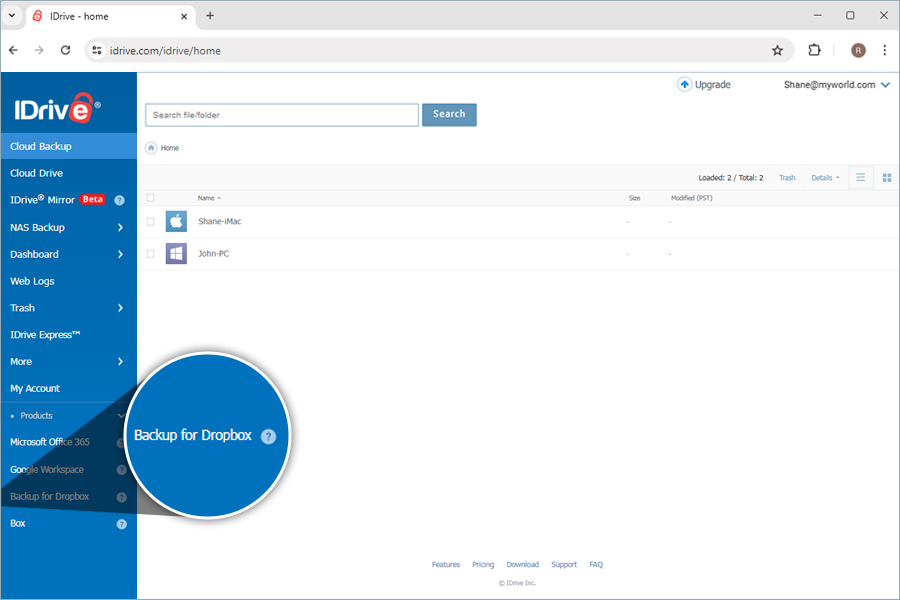
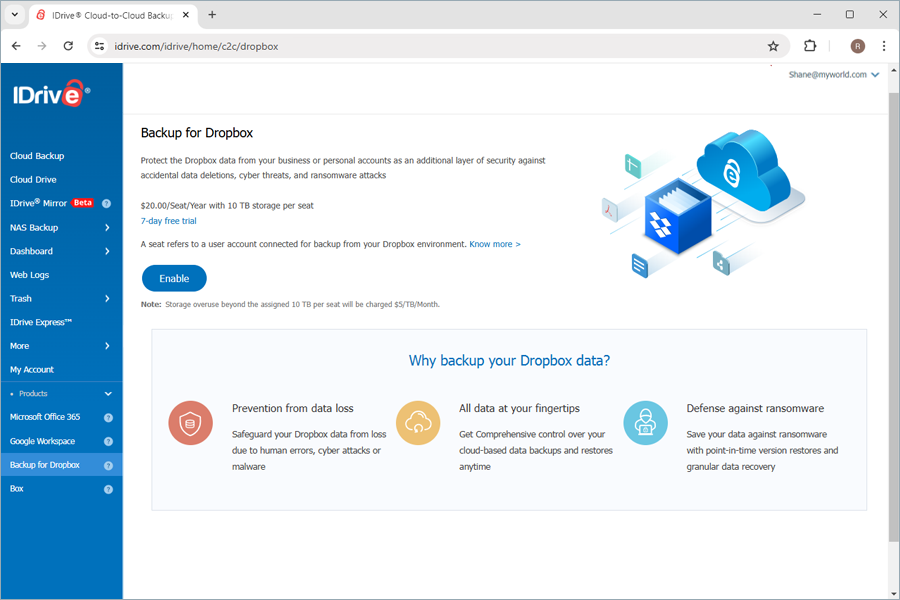
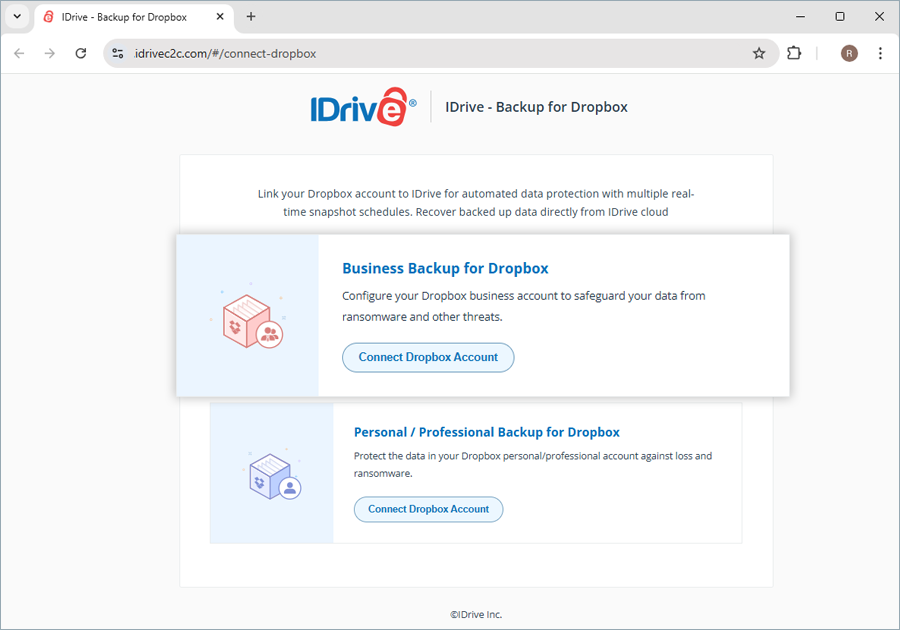
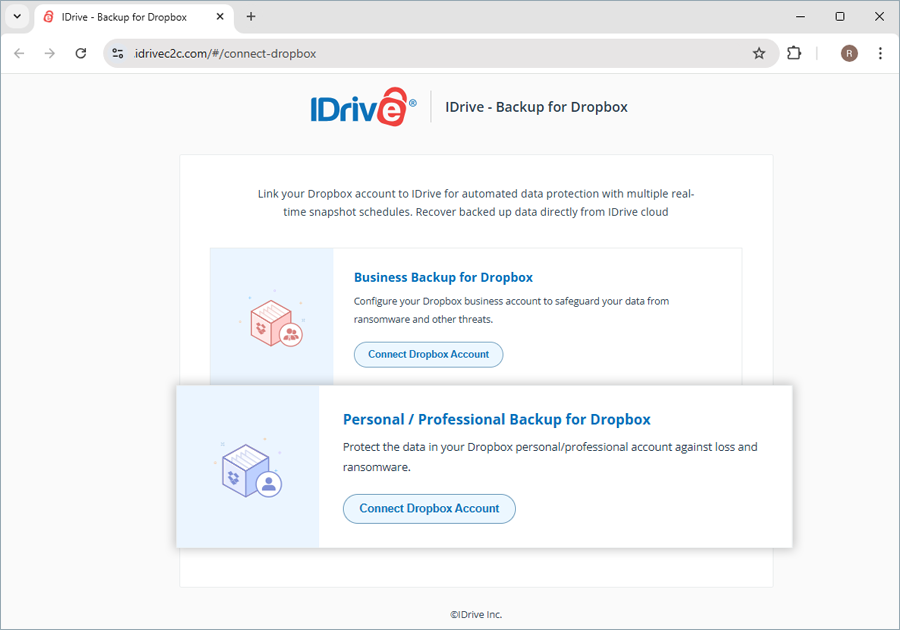
| How do I get started with IDrive Backup for Dropbox Cloud Storage? | |||
| Can I backup my Personal Dropbox account with IDrive? | |||
| How to add and manage new Dropbox domains for backup? | |||
| Can I rename Dropbox domains added for backup? | |||
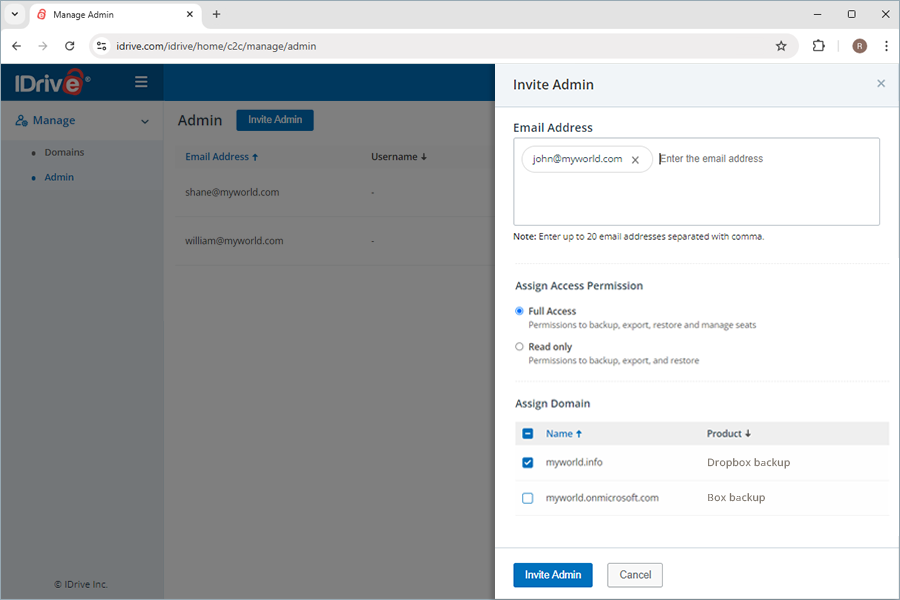
| Is it possible to add a user to manage backup and recovery for my Dropbox domains? | |||
| Can I access my backed-up Dropbox data from anywhere? | |||
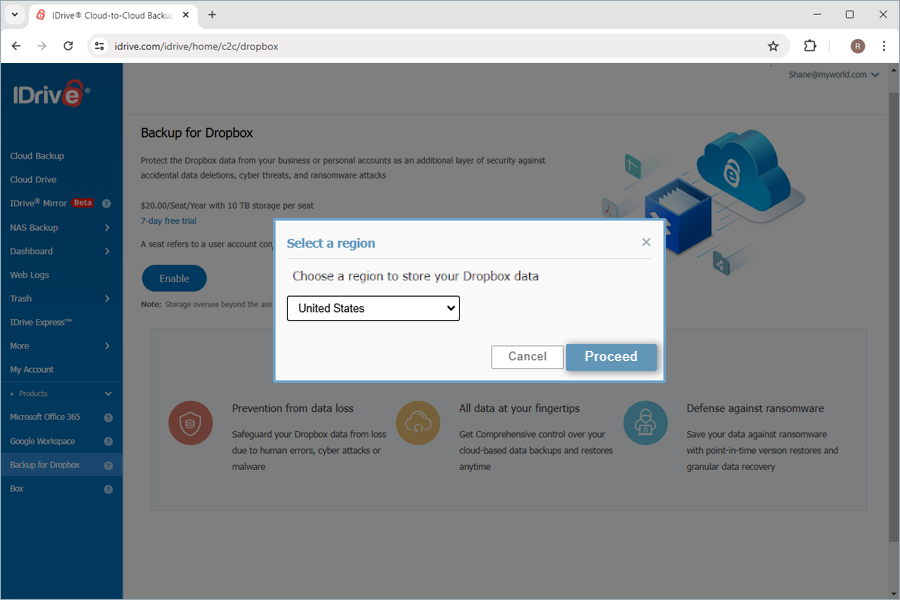
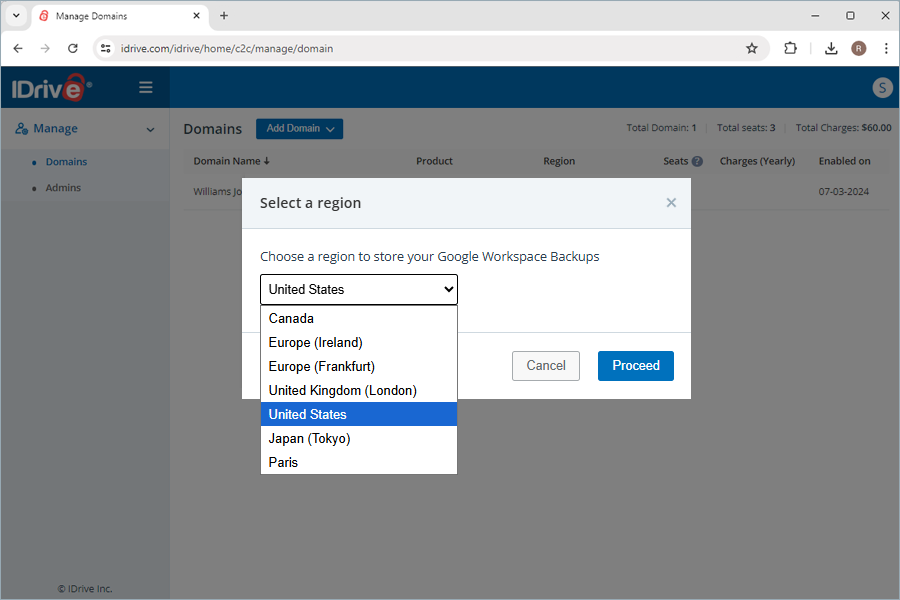
| How many storage regions are available for my backups? | |||
| How does IDrive secure my Dropbox Cloud Storage data? | |||
| Does IDrive meet the HIPAA compliance requirements? | |||
| Why is the size of my backed up Dropbox files in IDrive larger than the size in Dropbox Drive? | |||
| Can I connect to a storage destination of my choice to export backups? | |||
Backup |
|||
| How does IDrive run backups for the data in my Dropbox storage? | |||
| How are the backups scheduled in IDrive? | |||
| Will the subsequent changes in my backed-up files be transferred incrementally to IDrive? | |||
| How do I backup Dropbox Drive data for a specific user? | |||
| How do I backup Team Folders data for a specific user? | |||
| How does snapshot and versioning work in IDrive Backup for Dropbox cloud storage? | |||
| What information can I view from the Overview tab on my dashboard? | |||
Seat Management |
|||
| What is a Seat? | |||
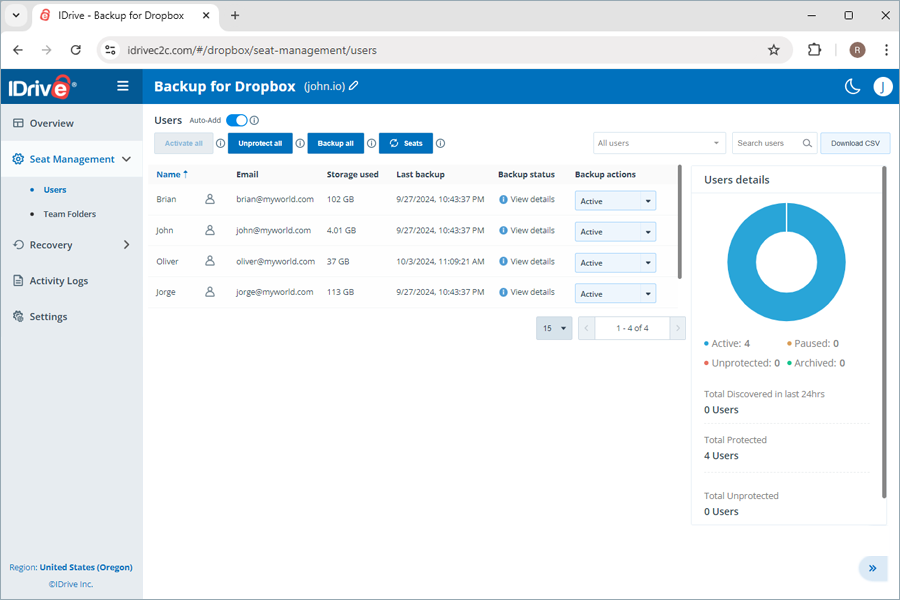
| What user management tools can I access under seat management? | |||
| How do I change seat status for users? | |||
| How do I add Dropbox users to the backup set? | |||
| How do I re-add users to the backup set? | |||
| How do I view the backup status of the users/team folders? | |||
Recovery |
|||
| Why am I asked to trust my IP Address while trying to export or restore data? | |||
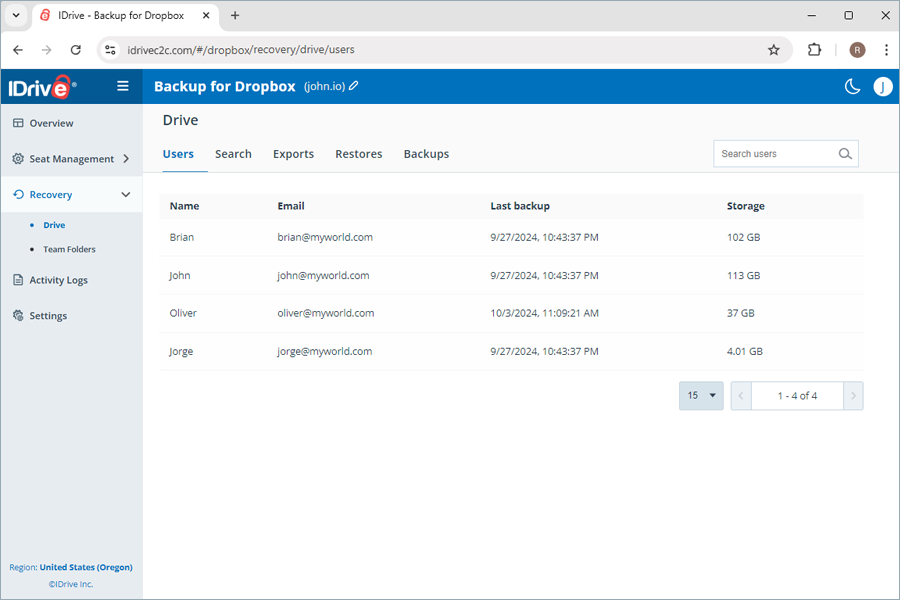
| How do I restore the backed-up Dropbox Drive data for a specific user from my IDrive account? | |||
| How do I restore the backed-up Dropbox Team Folders data for a specific user from my IDrive account? | |||
| Can I search for a specific item for restore? | |||
| How do I search a specific file or folder in IDrive Backup for Dropbox cloud storage? | |||
| How do I export the backed-up Dropbox data? | |||
| What search terms are supported for export and restore? | |||
| Is it possible to restore corrupted files and folders from my IDrive® account? | |||
Activity Logs |
|||
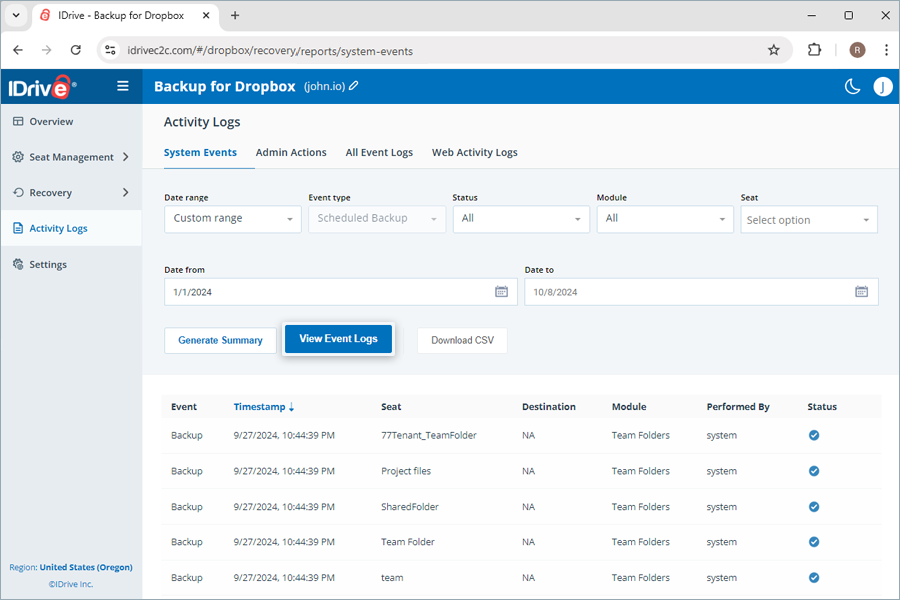
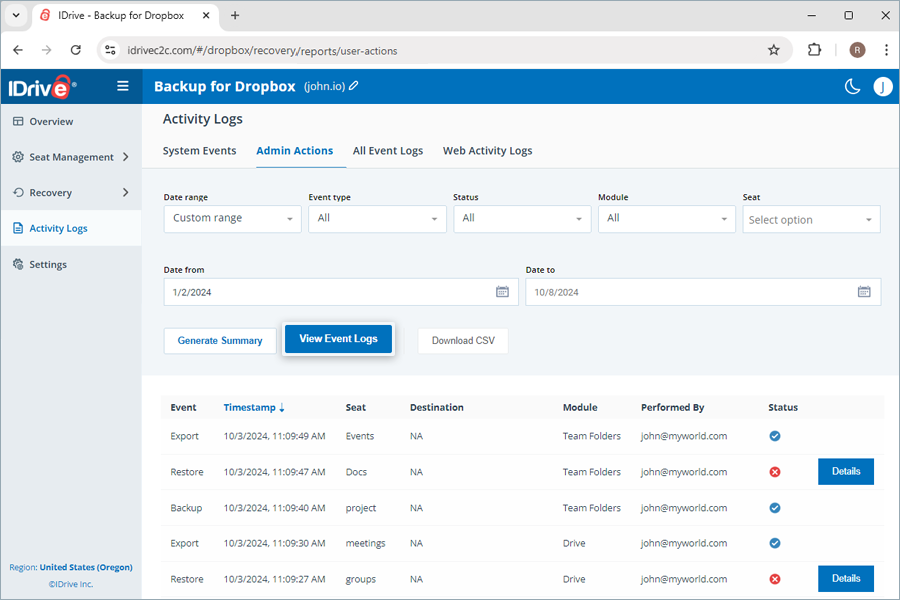
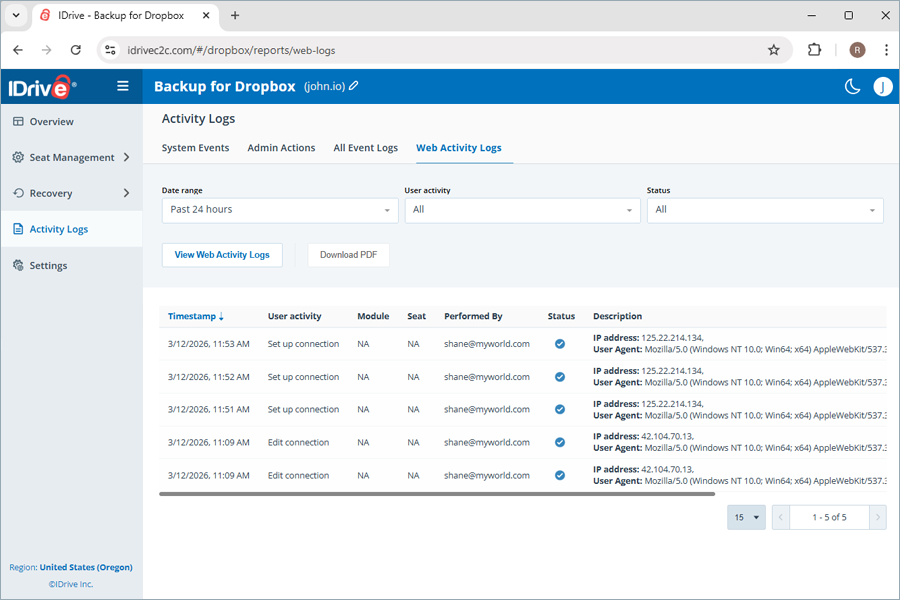
| Where can I view the activity logs for my backup for Dropbox? | |||
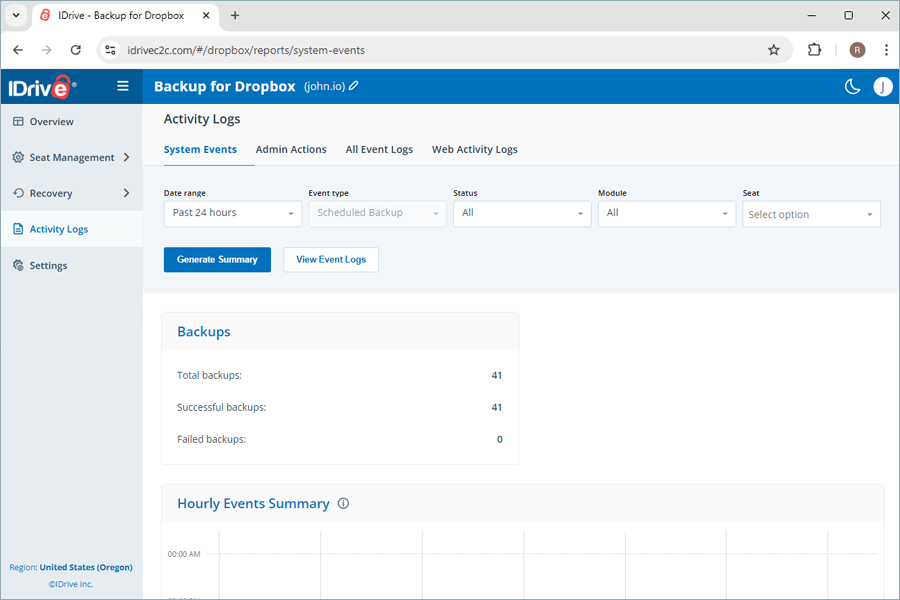
| How can I view the system activity log reports for my backup for Dropbox? | |||
| How can I view the admin activity log reports for my backups? | |||
| How can I view all event activity log reports? | |||
| How do I view all web activity logs? | |||
| |||
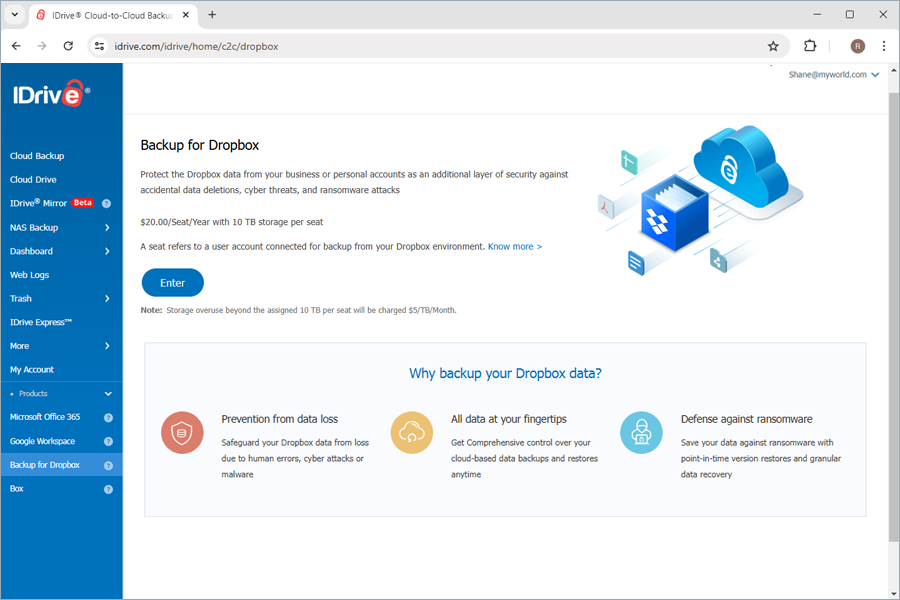
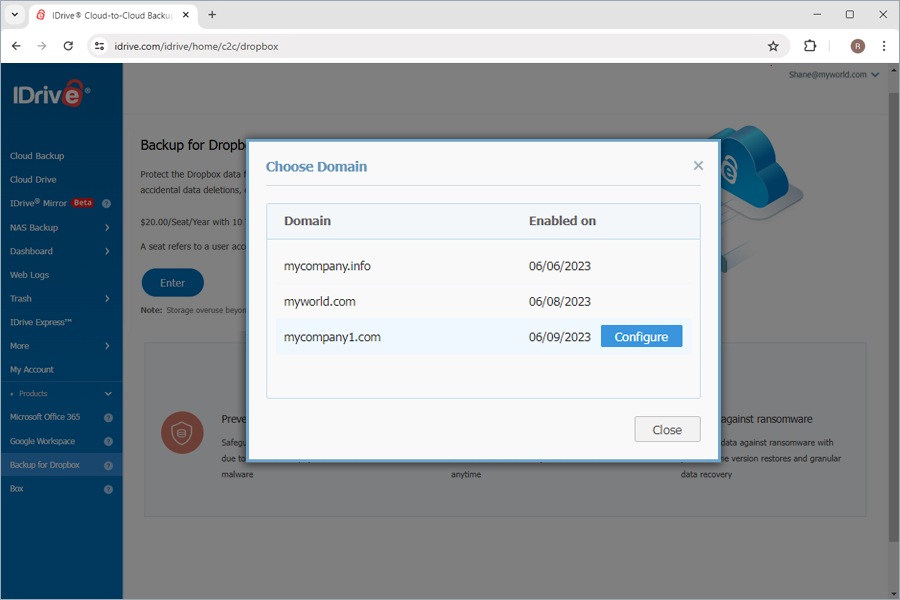
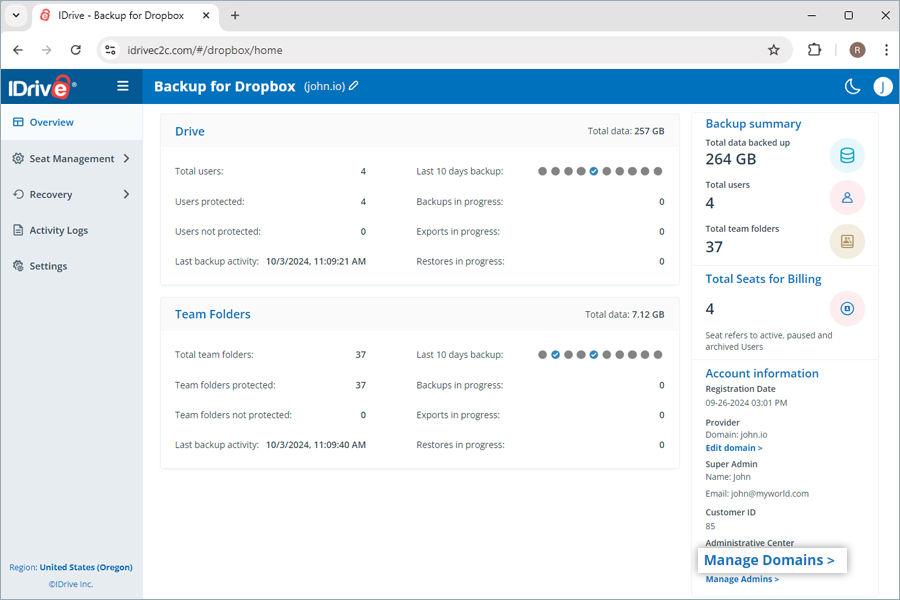
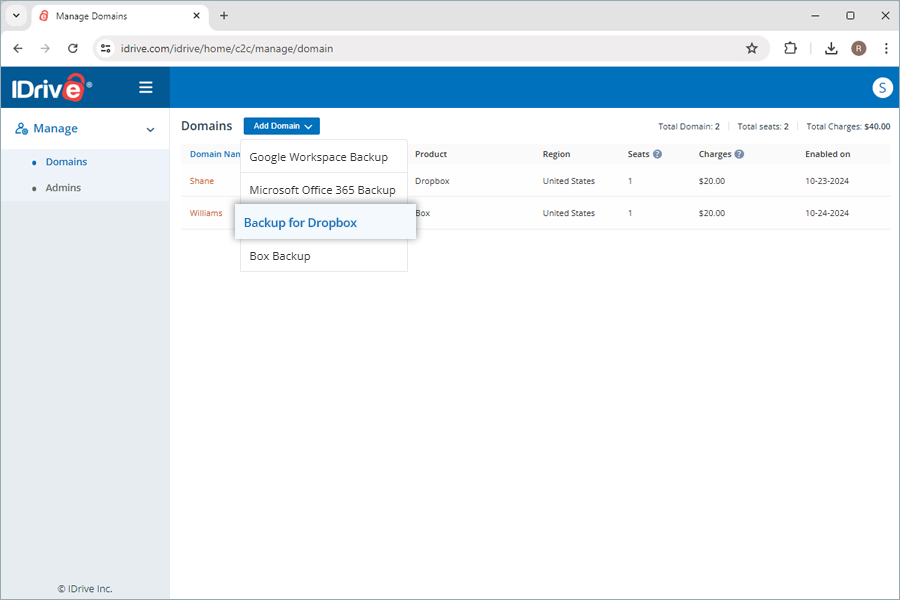
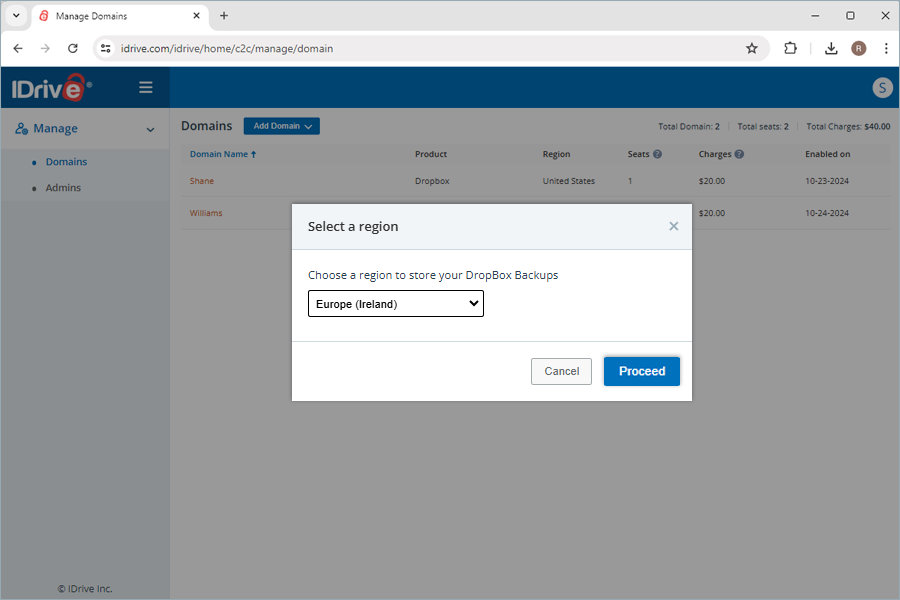
 next to your Dropbox domain name.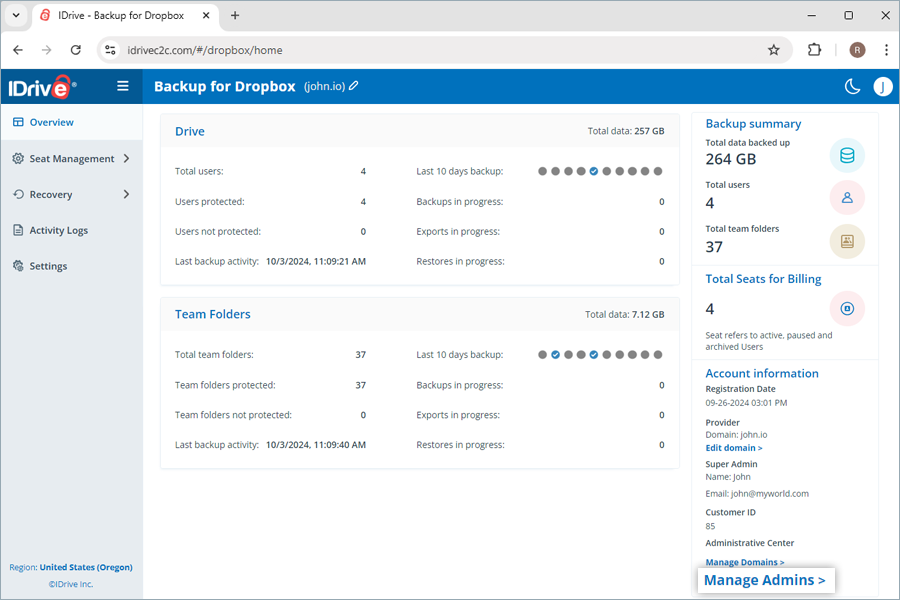
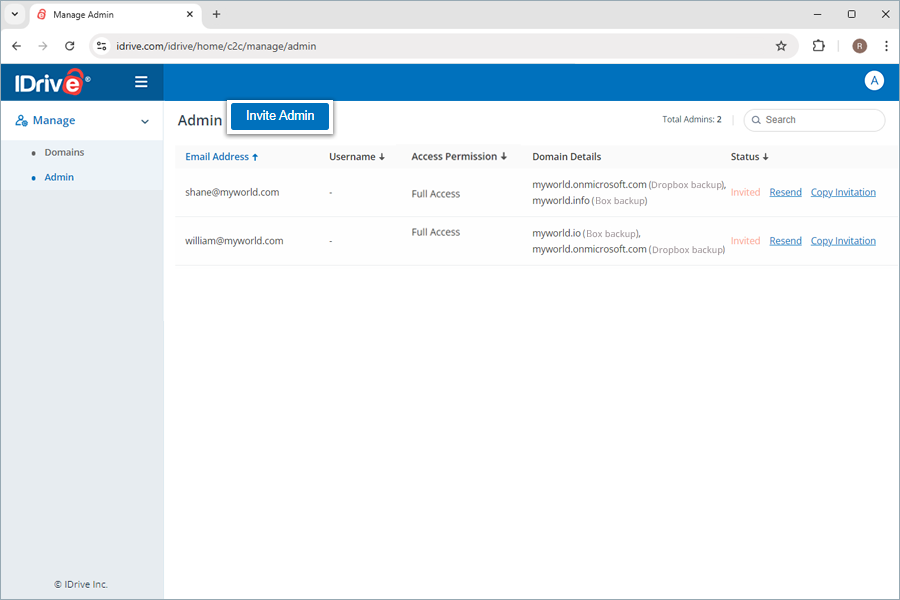
 and confirm in the popup to remove the user.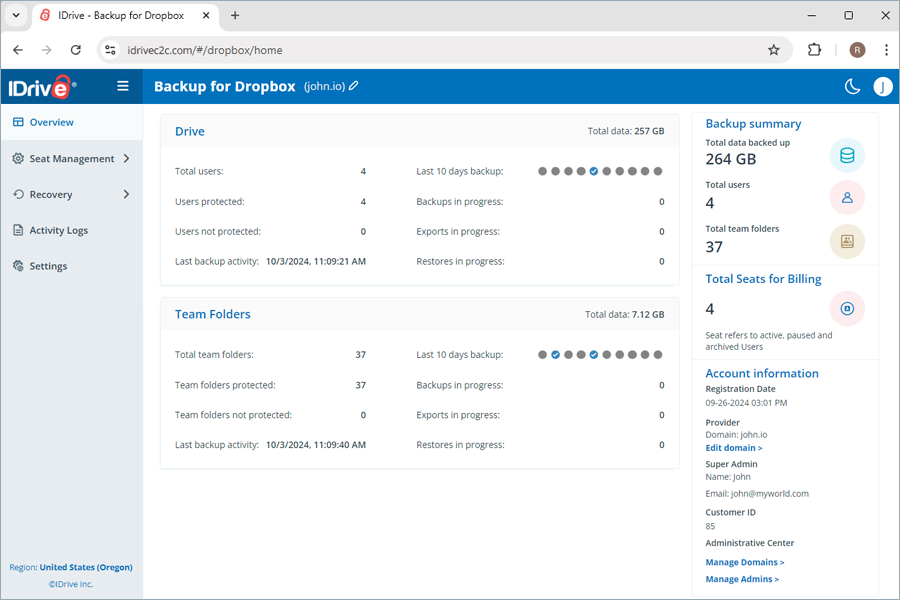
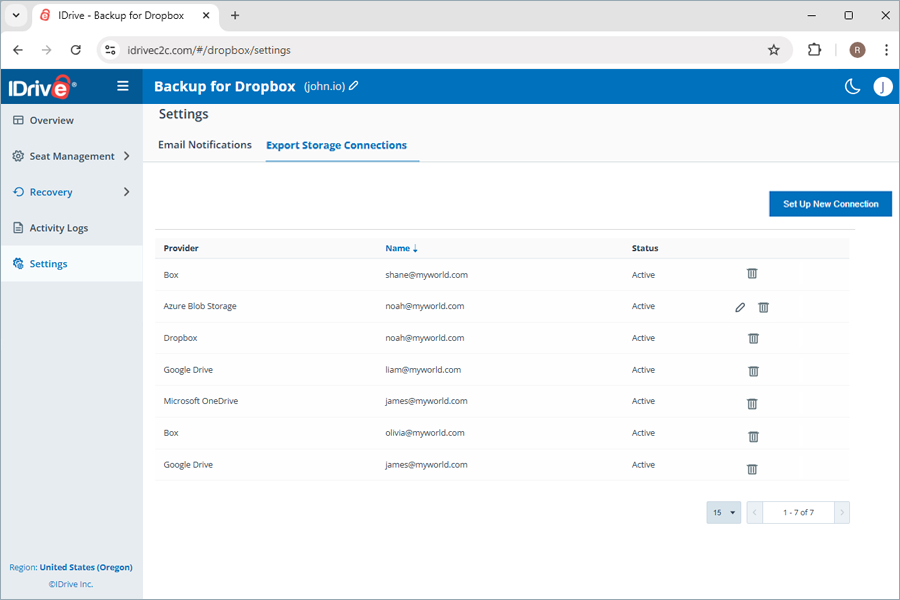
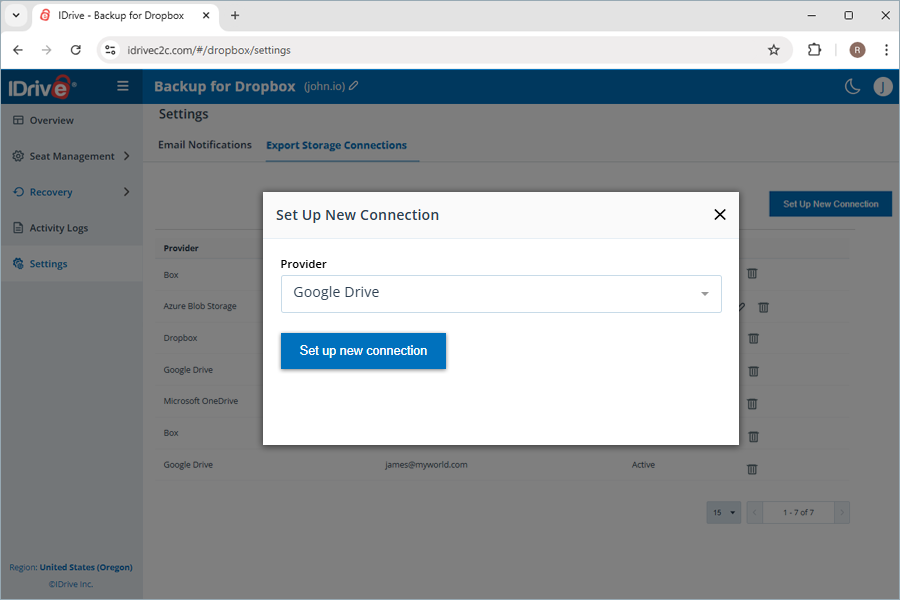
 , and confirm by clicking Yes in the Delete Connection popup.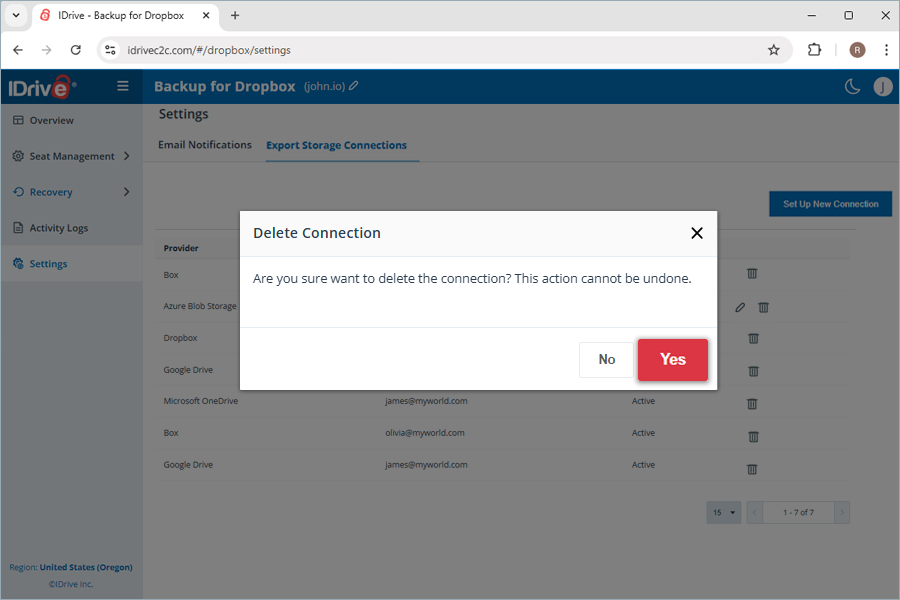
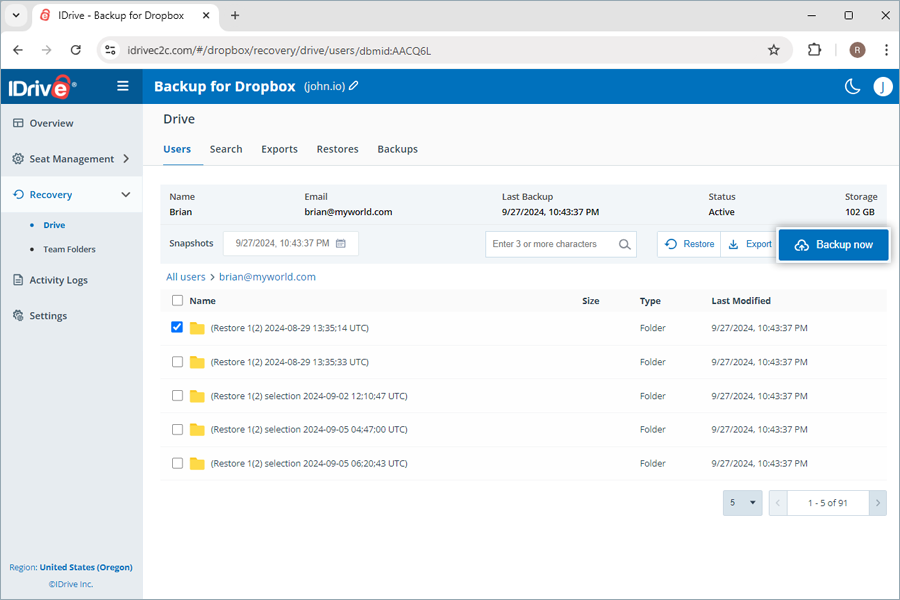
 .
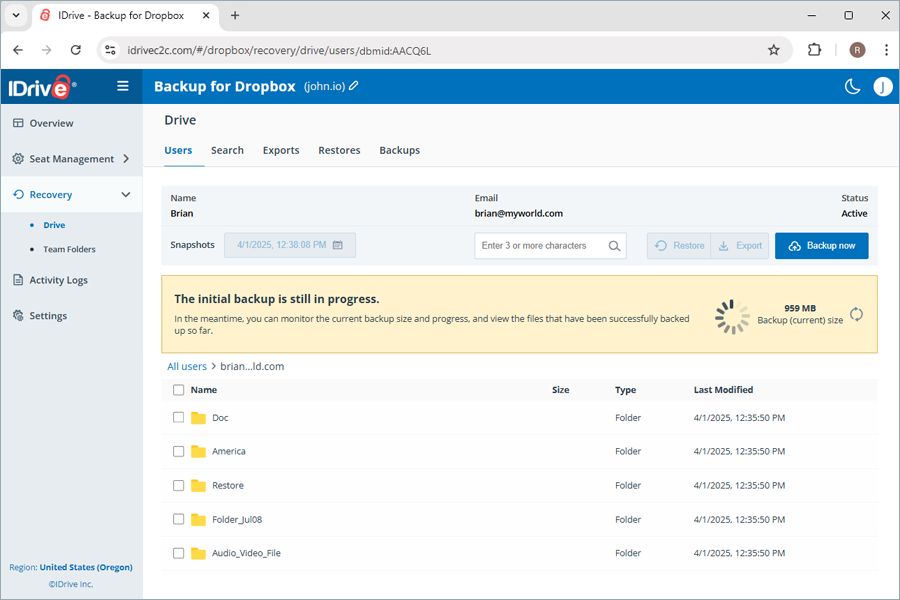
.
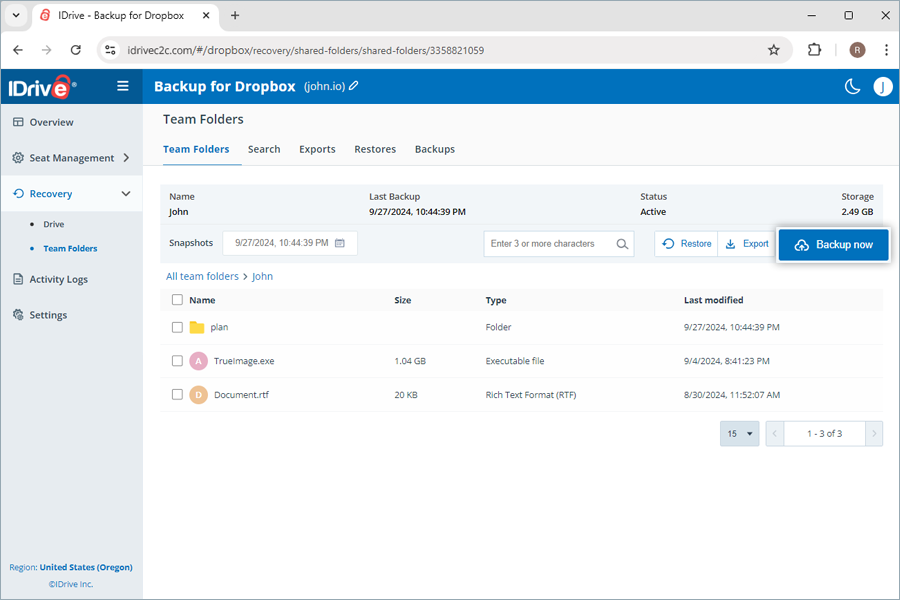
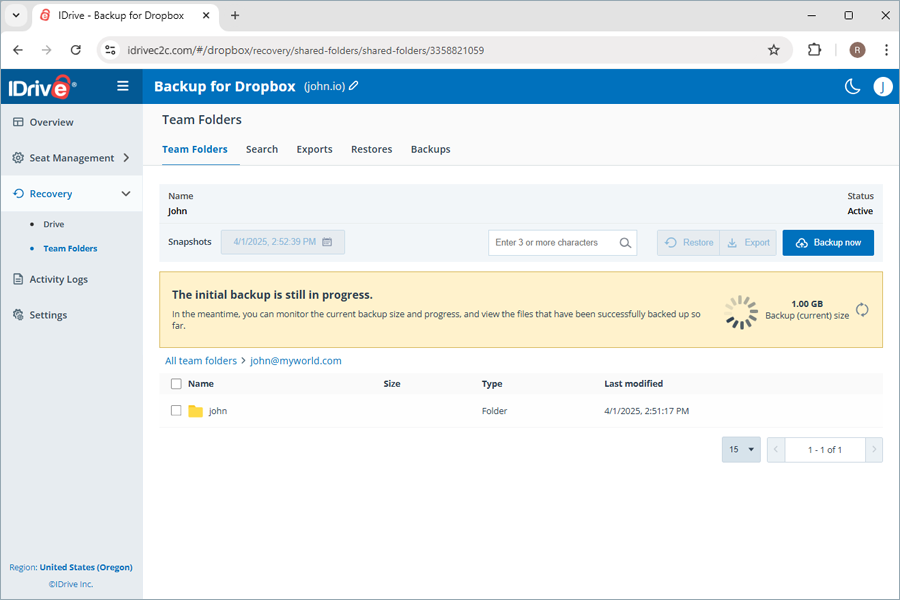
 - Backup failure
 - Backup was 100% successful
 - Backup has not yet commenced
 - Backup was partially successful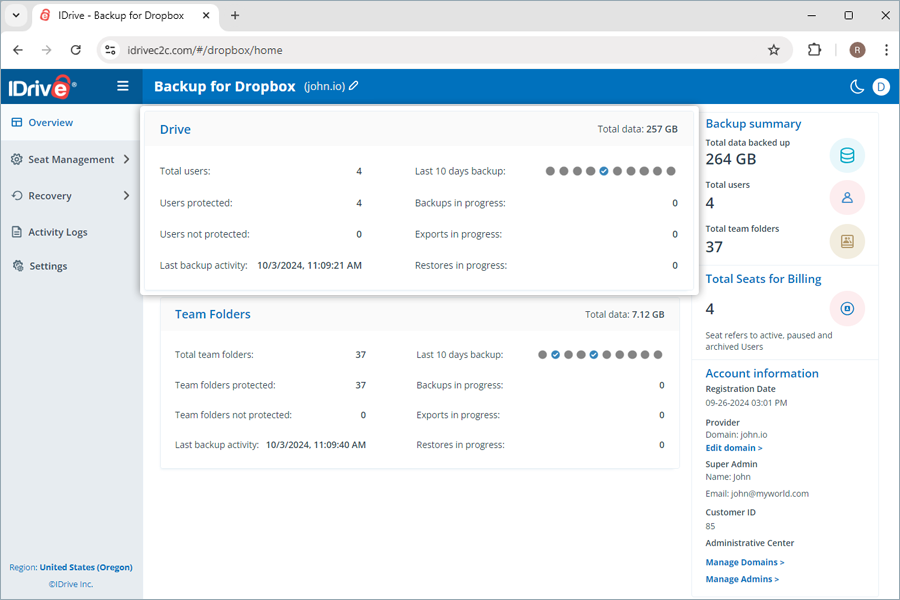
What is a Seat?A seat refers to a user account connected for backup from your Dropbox environment. Each seat added to the account is billed as per the subscribed plan. |
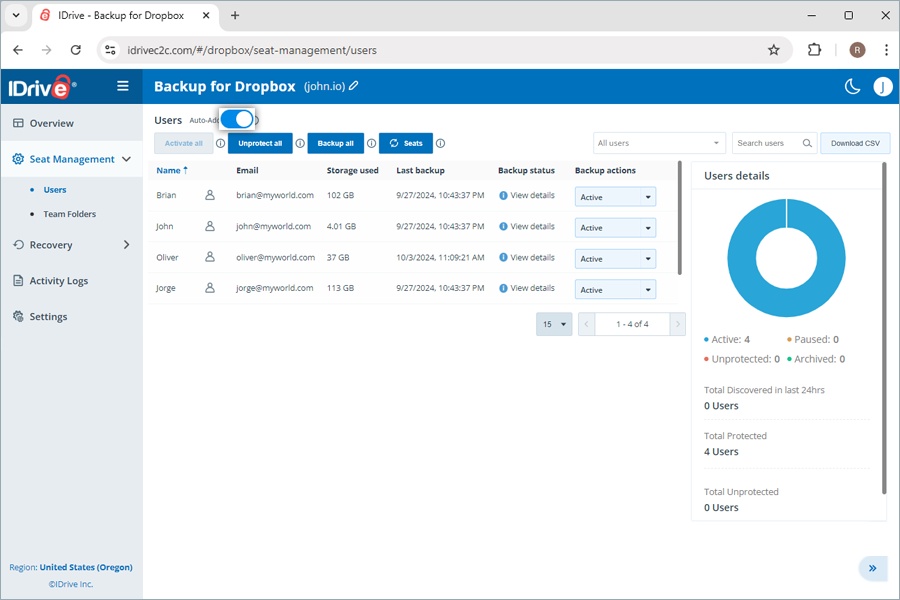
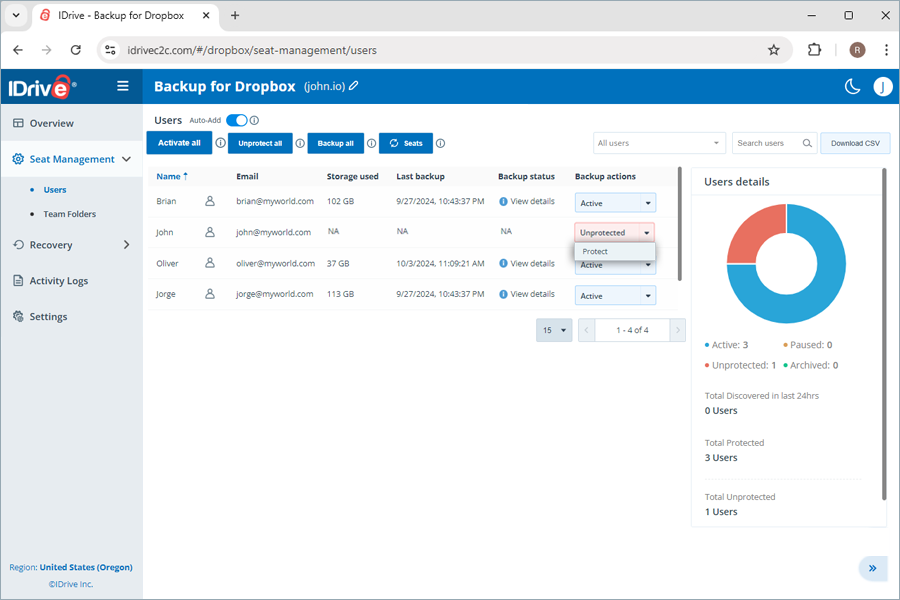
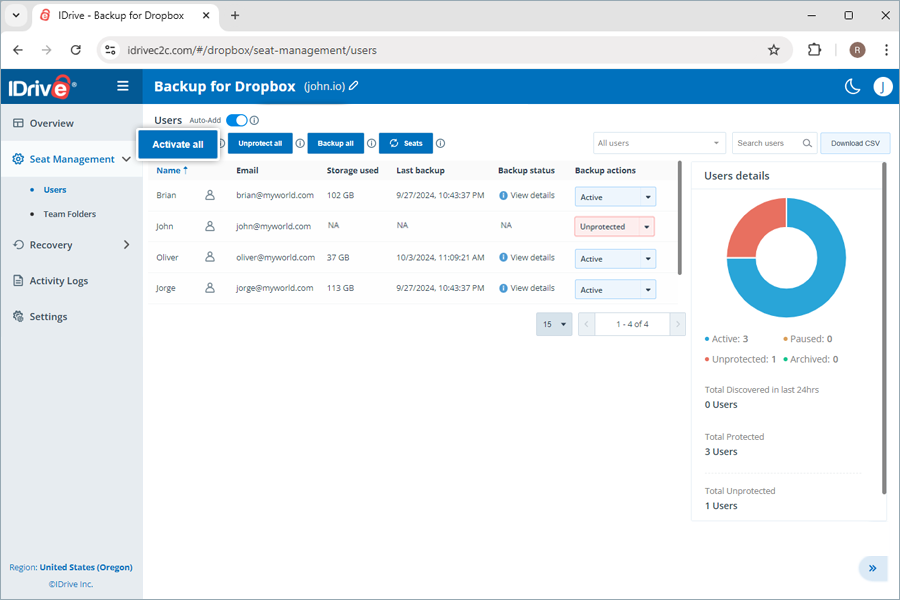
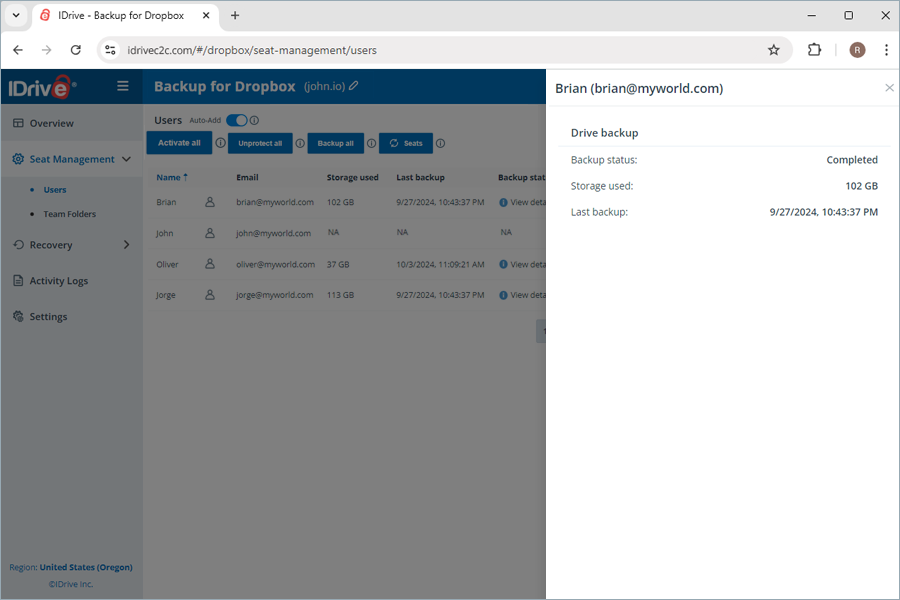
What user management tools can I access under seat management?You can access records of all the users under Seat Management in the web console, regardless of their backup status. Navigate to Users or Team Folders under Seat Management to access the following management tools:
|
 or
or 
 . Depending on the Auto-add status, new seats will be added with the corresponding backup status. If auto-add is enabled, the newly discovered seats are automatically protected, if not, they remain unprotected until the user manually changes it.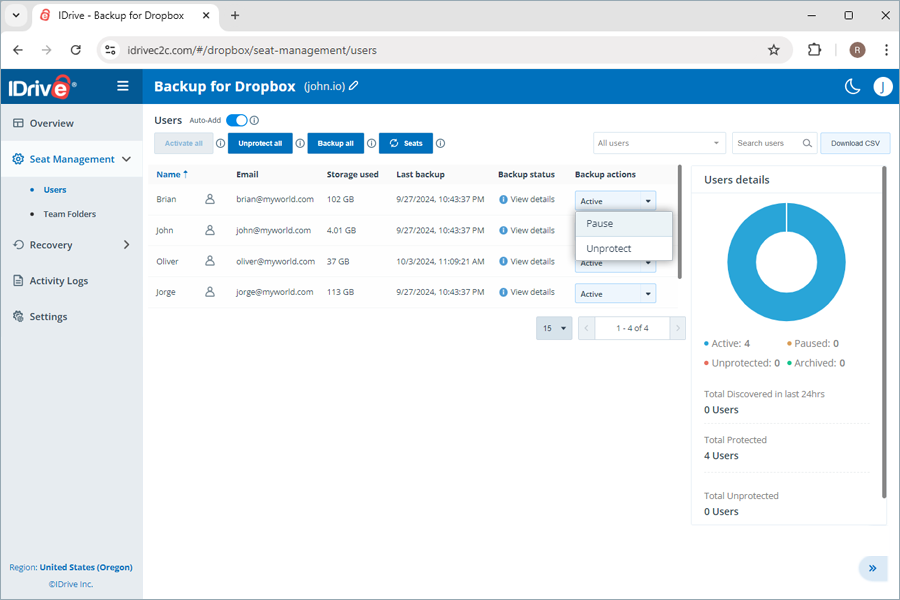
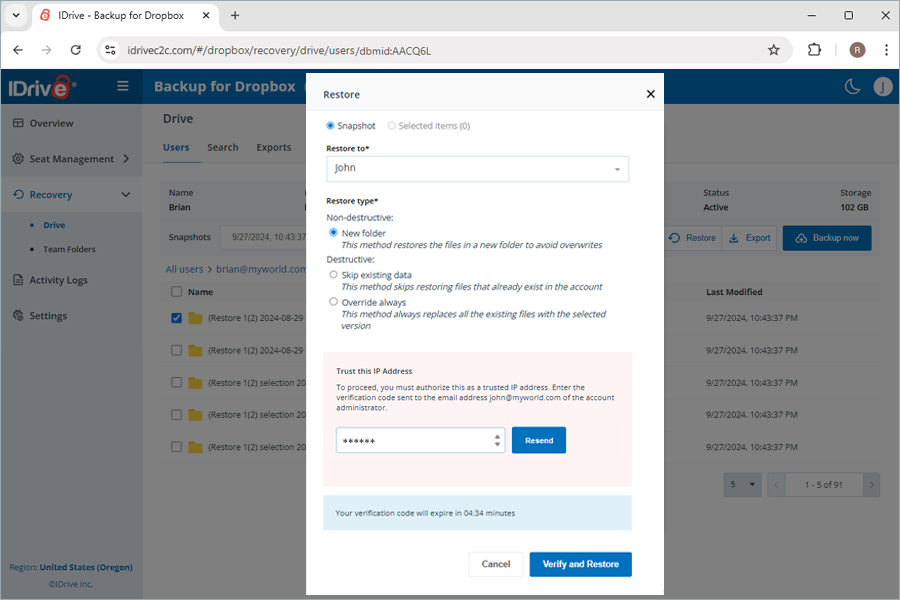
Why am I asked to trust my IP Address while trying to export or restore data?When using a new IP address to export or restore data you must authorize the IP address by entering a verification code sent to the email address of the account administrator. This is a one-time process to ensure your identity.
Once an IP address is added as a trusted IP, users will not be asked to enter one-time verification code during any subsequent export/restore operations. Note:
|
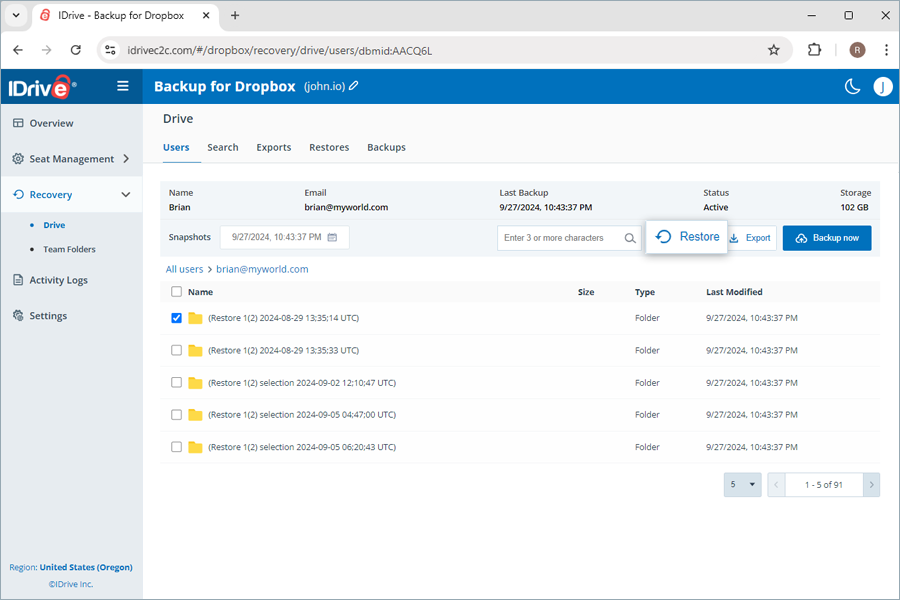
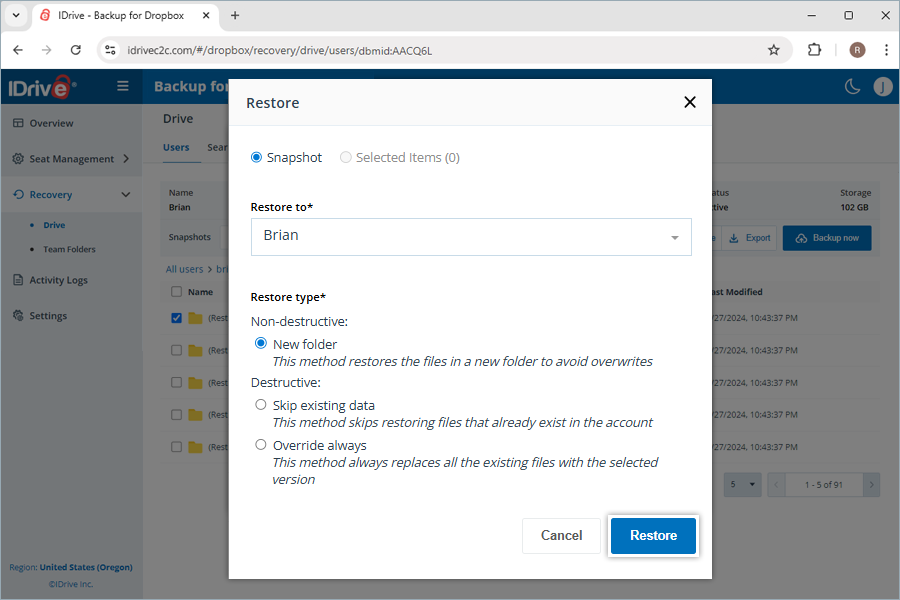
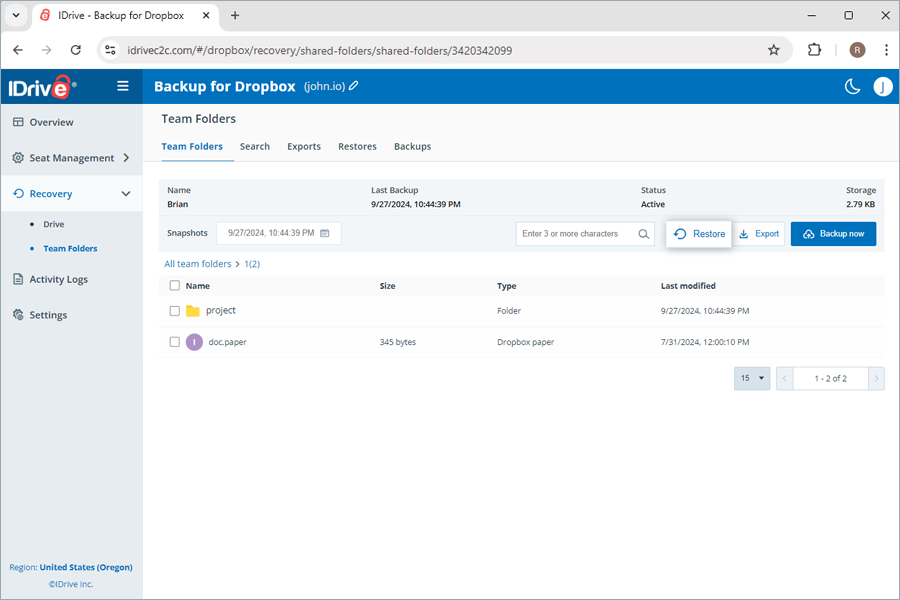
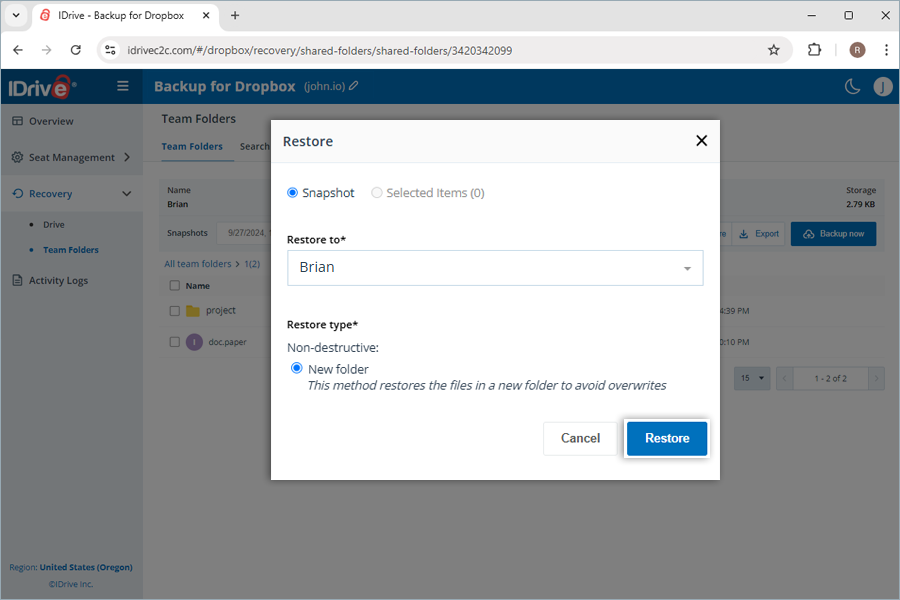
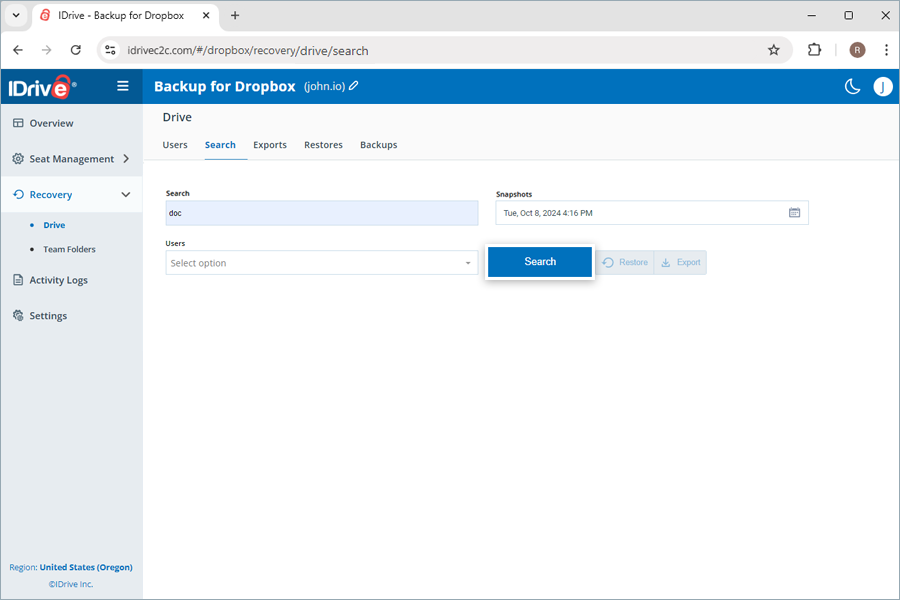
How do I search a specific file or folder in IDrive Backup for Dropbox cloud storage?You can perform both point-in-time and file-level searches across multiple search parameters to perform a granular restore for a specific item. To perform a point-in-time search for restoring a specific version of the backed-up data from a user account or a team folder,
A file-level search enables you to locate specific backed-up files and folders from a user account or a team folder. To perform file-level restore,
|
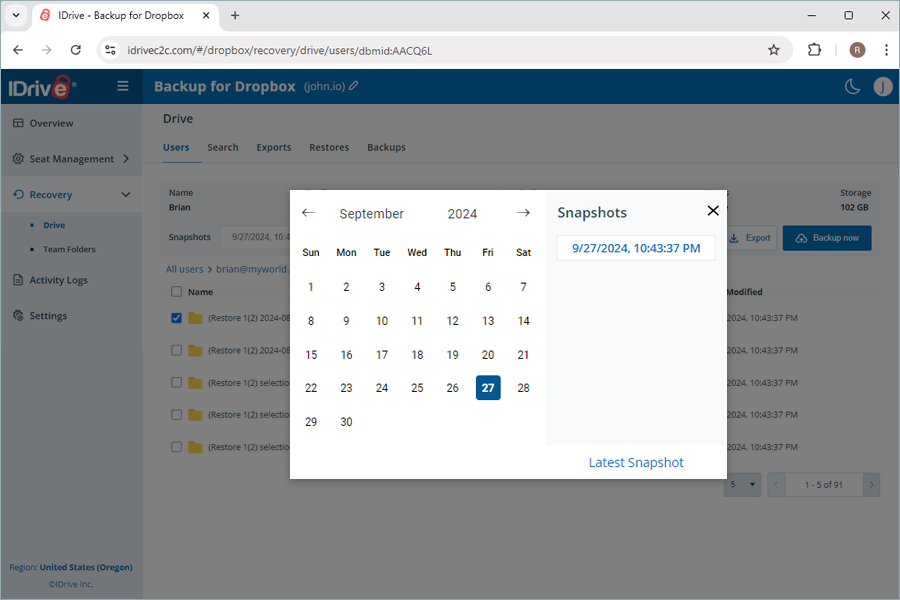
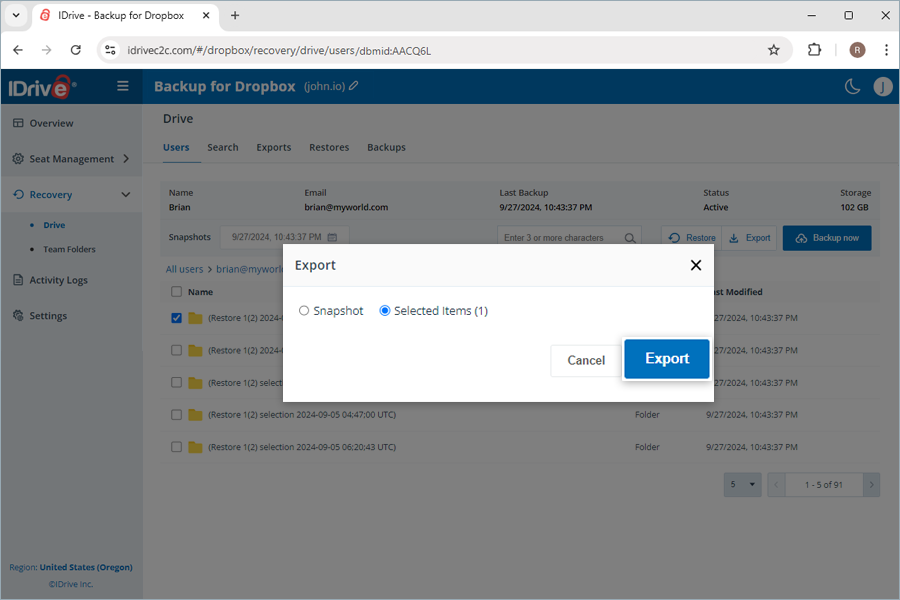
How do I export the backed-up Dropbox data?To export the backed-up data,
You can download the generated export files in the Exports tab by clicking Note: Exports will be downloaded as zip files. |
 next to successful exports. Alternatively, click